

 Arabic
 ελληνικά
 български
 čeština
 Dansk
Dansk Deutsch
 Español
 Eesti
Eesti Suomi
Suomi Français
 ברִית
ברִית Hrvatski
 Magyar
 Indonesia
 Italiano
 日本語
日本語 한국인
한국인 lietuvis
 Norsk Bokmål
 Netherlands
 Polski
 Português
 Pусский
 Slovenčina
 Cрпски
 Svenska
 แบบไทย
 Türkçe
 Yкраїнська
 Tiếng Việt
 简体中文
简体中文
Free Image Hosting Without Registration (2026) – Upload Images Instantly
Free Image Hosting Without Registration
Have you ever needed to upload an image quickly, only to be asked to create an account, verify your email, choose a password, and complete a lengthy registration process?
If all you want is a simple shareable image link, those extra steps can be frustrating.
That's why many users prefer free image hosting without registration. These services let you upload images instantly and receive a direct link for sharing—without creating an account.
Whether you're sharing screenshots, blog images, design mockups, product photos, or forum attachments, anonymous image hosting can save time and simplify your workflow.
In this guide, you'll learn how registration-free image hosting works, its advantages and limitations, who should use it, and best practices for secure image sharing.
Table of Contents
- What Is Free Image Hosting Without Registration?
- How Does It Work?
- Why Use Anonymous Image Hosting?
- Benefits
- Potential Limitations
- Common Use Cases
- Supported Image Formats
- How to Upload Images Without Registering
- Security & Privacy Tips
- Best Practices
- Frequently Asked Questions
- Final Thoughts
What Is Free Image Hosting Without Registration?
Free image hosting without registration is an online service that allows users to upload images without creating an account.
Instead of signing up, you simply:
- Visit the image hosting website.
- Select an image.
- Upload it.
- Receive a shareable image link.
The entire process often takes less than a minute.
How Does Anonymous Image Hosting Work?
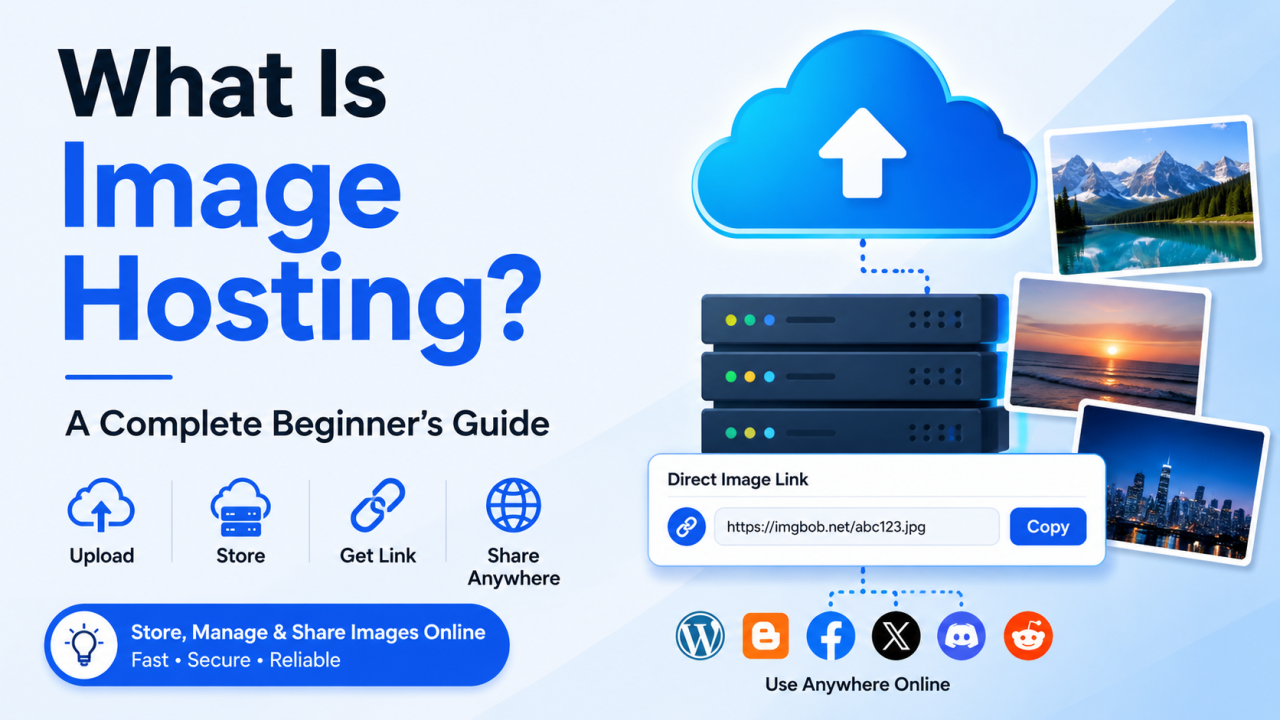
The process is straightforward.
Step 1
Choose an image from your device.
Step 2
Upload it to the image hosting platform.
Step 3
The server stores your image securely.
Step 4
A direct image URL is generated.
Step 5
Share the URL wherever needed.
That's it—no account required.
Why Do People Prefer No-Registration Image Hosting?
Many users value convenience above all else.
Instead of spending several minutes creating an account, they can upload an image immediately.
Common reasons include:
- Quick sharing
- Temporary projects
- Forum posts
- Technical support screenshots
- Classroom assignments
- Blog illustrations
- Social media sharing
Benefits of Free Image Hosting Without Registration
1. Instant Uploads
No registration means fewer steps between selecting an image and sharing it.
2. Save Time
Skip account creation and email verification.
3. Easy Sharing
Most platforms provide:
- Direct image links
- Share URLs
- HTML embed codes
- Markdown support
- BBCode for forums
4. Mobile Friendly
Upload directly from smartphones and tablets.
5. Works Across Devices
Whether you're using Windows, macOS, Linux, Android, or iPhone, browser-based image hosting works without additional software.
6. Perfect for One-Time Uploads
If you only need to share an image once, registration may be unnecessary.
7. Convenient for Support
Need to send a screenshot to technical support?
Upload it and send the link.
8. Great for Forums
Most forums accept image URLs or BBCode.
9. Ideal for Bloggers
Upload screenshots, graphics, or illustrations and use them in articles.
10. Simple User Experience
No dashboards.
No complex settings.
Just upload and share.
Common Uses
Registration-free image hosting is useful for many situations.
Bloggers
Upload article screenshots.
Developers
Share UI mockups.
Designers
Send concepts to clients.
Students
Share assignments.
Businesses
Share promotional graphics.
Technical Support
Upload error screenshots.
Online Communities
Share images on forums and discussion boards.
Supported Image Formats
Most modern image hosting services support popular image formats such as:
- JPG
- JPEG
- PNG
- GIF
- WebP
- SVG
- BMP
Some platforms may also support AVIF or HEIC.
Features to Look For
When choosing a free image hosting service without registration, consider:
- Fast upload speed
- HTTPS encryption
- Direct image links
- Multiple image formats
- Mobile compatibility
- Drag-and-drop uploads
- Reliable uptime
- Responsive interface
- Privacy options
- Easy image sharing
Registration vs No Registration
FeatureNo RegistrationRegistration RequiredUpload Speed⭐⭐⭐⭐⭐⭐⭐⭐Instant Sharing✅✅Account Needed❌✅Email Verification❌UsuallyImage ManagementLimitedFullAlbumsUsually LimitedOften AvailableHistoryLimitedAvailableAdvanced FeaturesBasicMore Extensive
Security & Privacy Tips
Even when using anonymous image hosting:
- Avoid uploading confidential documents.
- Remove sensitive personal information from screenshots.
- Consider removing EXIF metadata if location privacy matters.
- Keep a backup of important images.
- Verify who can access shared links.
- Use strong privacy settings when available.
Best Practices
Compress Large Images
Smaller files upload faster.
Use Descriptive File Names
Helpful for organization and SEO if the images are used on websites.
Choose the Right Format
- JPG → Photos
- PNG → Graphics
- WebP → Web optimization
- SVG → Logos
Keep Local Backups
Don't rely on any single online copy.
Review Retention Policies
Some anonymous image hosting services automatically delete inactive or temporary uploads.
When Should You Create an Account Instead?
Creating an account may be worthwhile if you need:
- Image history
- Albums
- Bulk management
- Advanced privacy controls
- Team collaboration
- Higher storage limits
- Upload analytics
- API access
Why ImgBob Is a Convenient Choice
For users who simply want to upload an image and receive a shareable link quickly, ImgBob is designed with a streamlined workflow in mind.
Depending on the features available on your deployment, users may be able to:
- Upload images quickly
- Share direct image links
- Use multiple image formats
- Access images from desktop or mobile browsers
- Share images without unnecessary complexity
Always review the platform's current features and privacy policy before uploading important content.
Frequently Asked Questions
Can I upload images without creating an account?
Yes. Some image hosting platforms allow anonymous uploads without requiring registration.
Is anonymous image hosting safe?
It can be, provided you use reputable services and avoid uploading sensitive or confidential information.
Will my images stay online forever?
That depends on the provider. Some services retain images indefinitely, while others may remove inactive or temporary uploads according to their policies.
Can I upload images from my phone?
Yes. Most modern image hosting websites work on Android and iPhone browsers.
Can I embed uploaded images on my website?
If the service provides direct image URLs or embed codes and allows embedding under its terms of use, then yes.
Is there a file size limit?
Upload limits vary by provider and plan. Check the platform's documentation for current restrictions.
Final Thoughts
Free image hosting without registration is an excellent solution when you need to upload and share images quickly. By eliminating account creation, these services make it easy to generate shareable image links in just a few clicks.
However, convenience comes with trade-offs. Anonymous uploads may offer fewer management features than registered accounts, so if you frequently organize large image collections or need advanced privacy settings, creating an account on a compatible platform may be worthwhile.
For occasional uploads, support screenshots, blog illustrations, forum posts, or quick sharing, registration-free image hosting remains one of the simplest and fastest ways to get your images online.
Comments (0)