

 Arabic
 ελληνικά
 български
 čeština
 Dansk
Dansk Deutsch
 Español
 Eesti
Eesti Suomi
Suomi Français
 ברִית
ברִית Hrvatski
 Magyar
 Indonesia
 Italiano
 日本語
日本語 한국인
한국인 lietuvis
 Norsk Bokmål
 Netherlands
 Polski
 Português
 Pусский
 Slovenčina
 Cрпски
 Svenska
 แบบไทย
 Türkçe
 Yкраїнська
 Tiếng Việt
 简体中文
简体中文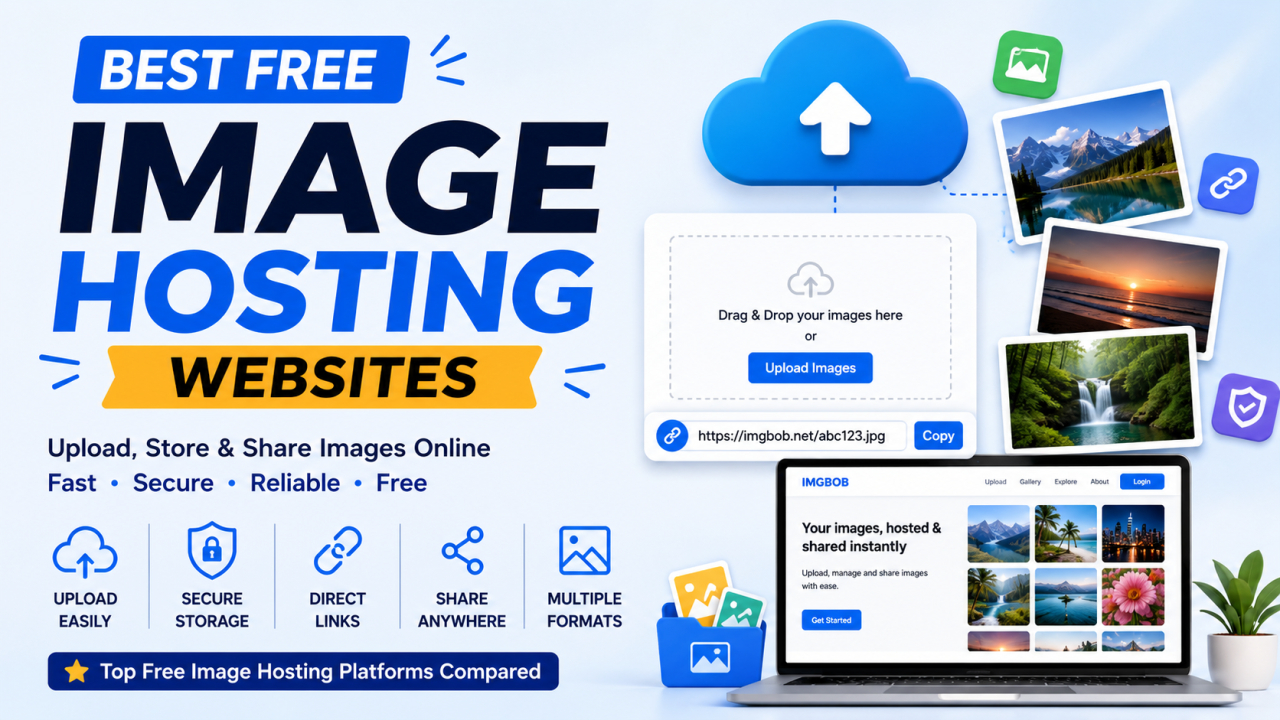
Best Free Image Hosting Websites (2026) – Top Platforms Compared
Best Free Image Hosting Websites
Finding the right place to host your images can save time, improve website performance, and make sharing content much easier. Whether you're a blogger, developer, photographer, designer, student, or business owner, a reliable image hosting service helps you upload images once and access them from virtually anywhere.
Some platforms focus on speed, while others prioritize organization, privacy, developer tools, or cloud-based photo management. Instead of looking for a universal "winner," it's more useful to compare services based on your specific needs.
This guide explains how image hosting works, what features matter most, and which types of platforms are best suited for different users.
Table of Contents
- What Is an Image Hosting Website?
- Why Use Image Hosting?
- Benefits of Free Image Hosting
- How Image Hosting Works
- Features to Look For
- Best Free Image Hosting Websites
- Feature Comparison
- How to Choose the Right Platform
- Security & Privacy
- Supported Image Formats
- Common Use Cases
- Tips for Better Image Hosting
- Frequently Asked Questions
- Final Thoughts
What Is an Image Hosting Website?
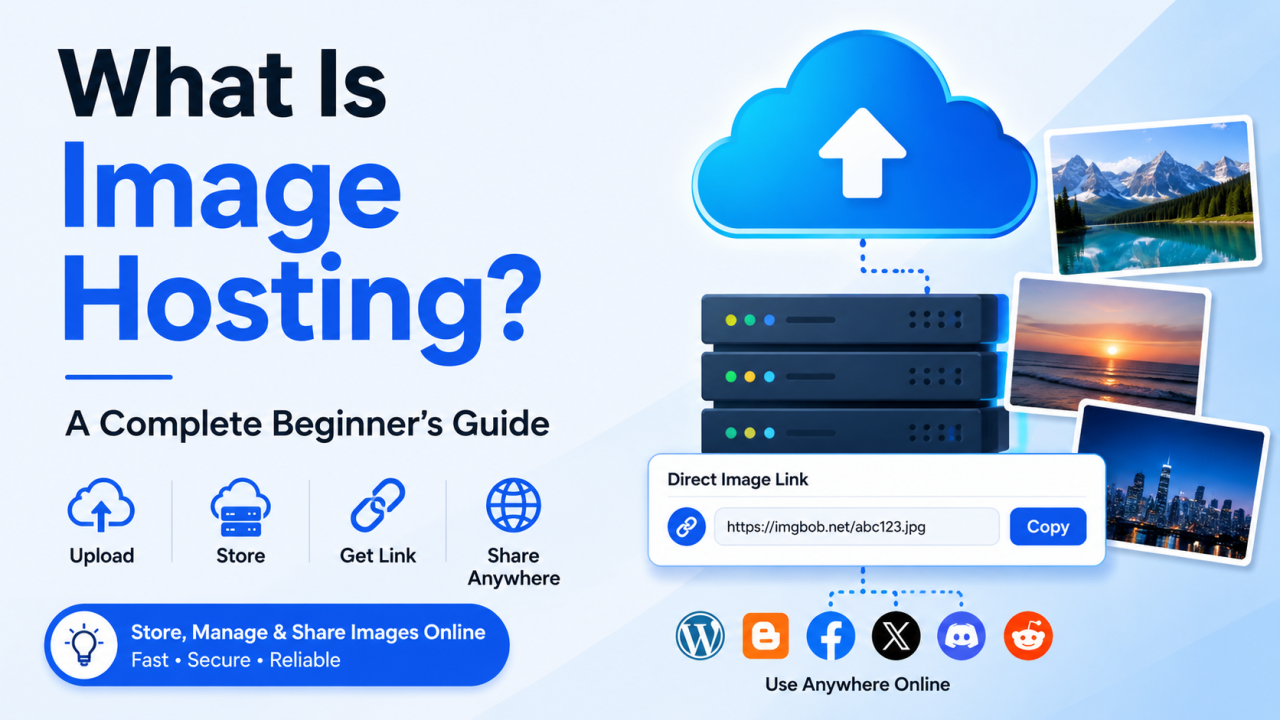
An image hosting website is an online platform that stores image files and provides links you can use to share or embed those images on websites, blogs, forums, documentation, emails, or social media.
Instead of repeatedly uploading the same file to different places, you upload it once and reuse the generated link wherever it's needed.
Typical features include:
- Image uploads
- Cloud storage
- Direct image URLs
- Share links
- HTML embed code
- BBCode or Markdown support
- Album management
- Mobile access
Why Use an Image Hosting Website?
Image hosting solves several common problems.
Save Website Storage
Large image libraries can quickly consume web hosting space. Using a dedicated image host helps keep your primary website lighter.
Faster Sharing
Instead of sending large files through email or messaging apps, you can simply share a link.
Better Organization
Many services allow you to organize images into folders, albums, or collections.
Access Anywhere
Because images are stored online, you can access them from different devices with an internet connection.
Collaboration
Teams can share visuals more easily during design, development, or marketing projects.
Benefits of Free Image Hosting
Free image hosting services can be a good starting point for many users.
Benefits often include:
- No upfront cost
- Easy uploads
- Public sharing
- Direct image links
- Basic storage
- Cross-device access
- Quick setup
Some platforms also offer optional paid plans with additional storage, higher upload limits, analytics, or advanced privacy controls.
How Image Hosting Works
The process is simple:
- Select an image.
- Upload it to the hosting service.
- The service stores the image.
- A shareable URL or embed code is generated.
- Use the link on websites, blogs, forums, or social media.
Features to Look For
Before choosing a service, compare these factors:
Upload Speed
Fast uploads improve workflow, especially for large or multiple files.
Direct Image Links
Useful for embedding images in websites, documentation, and forums.
Security
Look for HTTPS support and privacy options.
Supported Formats
Popular formats include:
- JPG
- PNG
- GIF
- WebP
- SVG
Mobile Compatibility
A responsive interface makes uploads easier from phones and tablets.
Sharing Options
Look for:
- Direct URL
- HTML
- Markdown
- BBCode
- Social sharing
Popular Free Image Hosting Platforms
Many image hosting services are available, each with different strengths. Examples include dedicated image hosts, photo-sharing platforms, and cloud storage services with image-sharing features.
When evaluating a platform, consider:
- Ease of use
- Upload limits
- Storage policies
- Privacy controls
- Supported formats
- Link-sharing capabilities
- Availability of APIs or developer tools
Rather than relying solely on popularity, choose the platform that best matches your workflow.
Feature Comparison
FeatureWhy It MattersFree PlanHelps new users get startedDirect LinksEasy website embeddingHTTPSSecure sharingAlbumsBetter organizationMultiple FormatsGreater compatibilityMobile SupportUpload from anywherePrivacy ControlsManage access to imagesBulk UploadSave timeAPI AccessUseful for developersFast DeliveryBetter user experience
How to Choose the Right Platform
Ask yourself:
Do you need anonymous uploads?
Some services allow uploads without creating an account.
Will you embed images on websites?
Choose a platform that provides direct image URLs.
Are you storing personal photos?
You may prefer stronger privacy controls and album organization.
Are you a developer?
API support and automation may be important.
Do you manage a business website?
Look for reliable uptime and scalable storage options.
Security & Privacy
When using any image hosting service:
- Use strong passwords for your account.
- Enable two-factor authentication if available.
- Review privacy settings before sharing images.
- Be cautious with public links if your content is sensitive.
- Keep local backups of important files.
Supported Image Formats
Most image hosting platforms support common web formats such as:
- JPG / JPEG
- PNG
- GIF
- WebP
- SVG
Some also support newer or specialized formats like AVIF, HEIC, BMP, or TIFF.
Common Use Cases
Image hosting is useful for:
Bloggers
Store featured images and illustrations.
Developers
Host screenshots and interface assets.
Designers
Share mockups and creative work.
Photographers
Publish online portfolios or preview galleries.
Businesses
Host product images and marketing graphics.
Students
Share assignments and presentations.
Tips for Better Image Hosting
- Compress large images before uploading.
- Use descriptive filenames.
- Organize files into folders or albums.
- Keep backups of important images.
- Choose the appropriate file format.
- Avoid uploading duplicate files.
- Review privacy settings before sharing.
Common Mistakes to Avoid
- Uploading unnecessarily large files.
- Ignoring image optimization.
- Sharing private images publicly.
- Depending on a single online copy without backups.
- Using unsupported image formats.
Frequently Asked Questions
Is free image hosting really free?
Many services offer free plans, while some features or higher limits may require a paid subscription.
Can I upload images without creating an account?
Some platforms support anonymous uploads, while others require registration.
Which image format is best?
- JPG for photographs
- PNG for graphics with transparency
- WebP for efficient web delivery
- SVG for logos and icons
Can I use hosted images on my website?
Yes, if the service provides direct image links or embed options and its terms of use allow website embedding.
Is image hosting safe?
Reputable services generally use secure connections (HTTPS), but users should still follow good security practices and review each platform's privacy policy.
Final Thoughts
The best free image hosting website depends on how you plan to use it. Bloggers may value simple sharing, developers may need APIs and automation, photographers may prefer portfolio features, and businesses often prioritize reliability and security.
By understanding your requirements and comparing key features—such as upload limits, supported formats, sharing options, and privacy controls—you can choose an image hosting platform that supports your workflow today and scales with your needs in the future.
Comments (0)